Start here · No experience needed
A Beginner's Guide to SRE
Learn how site reliability engineers keep apps dependable. Start with buying a ticket, then follow the measurements, repairs, and improvements that keep that experience working.
Build your SRE foundation, one lesson at a time.
Log in to follow the track and save your reading and quiz progress. You can read the individual articles freely.
14 lessons · 56 practice questions · Free · login for tracks · Updated October 10, 2026
One service. Fourteen decisions.
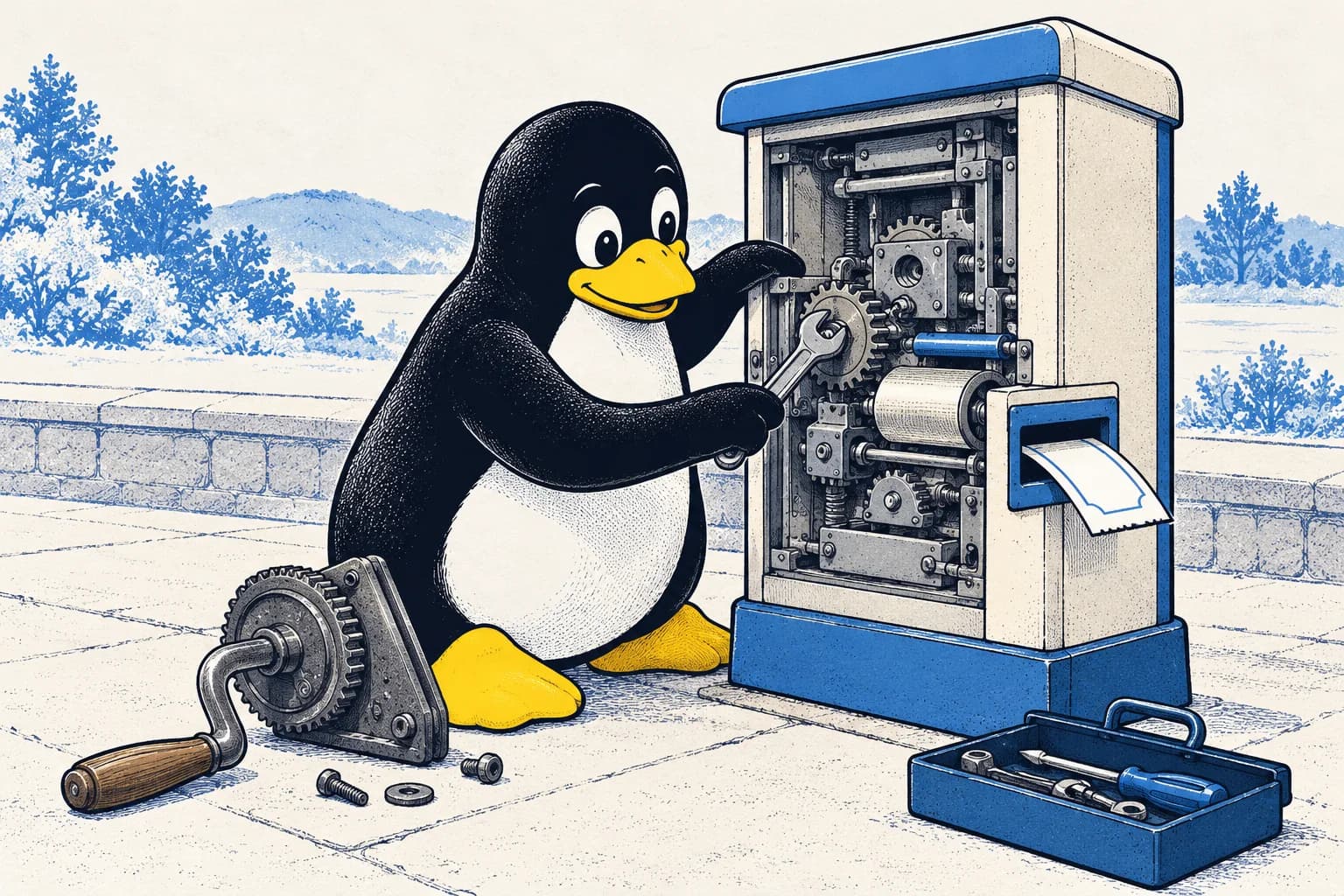
Follow TicketDesk, a fictional booking app, from its first reliability goals to a busy launch. Each lesson explains new terms, includes a Tux comic and worked example, and gives you an interview exercise followed by four multiple-choice questions.
The curriculum
Build the SRE foundation, in order.
Start at lesson one if you are new to technology. No coding or workplace experience is required. Later lessons introduce calculations step by step; take extra time for the exercises and the final practice scenario.
Look up an unfamiliar termPART 01
The SRE mindset
Understand the role, measure reliability, and reduce repeated repairs.
- 01
The SRE role
Explain how SRE and product engineering overlap, and when reliability needs dedicated attention.
8 min read · 4 questions in the track · Worked scenario
- 02
SLIs, SLOs, and SLAs
Explain a measurement, a reliability target, and a customer agreement; calculate booking success.
7 min read · 4 questions in the track · Worked scenario
- 03
Error budgets and risk
Calculate a failure allowance and explain how it guides decisions about app changes.
6 min read · 4 questions in the track · Worked scenario
- 04
Toil and automation
Recognise repeated manual work and estimate whether an automated repair is worth building.
5 min read · 4 questions in the track · Worked scenario
PART 02
Operating a service
Watch the customer experience, introduce changes safely, and respond to urgent problems.
- 05
Monitoring and observability
Explain response time, demand, failures, and working limits using a booking app.
6 min read · 4 questions in the track · Worked scenario
- 06
Actionable alerting
Calculate burn rate and decide whether a problem needs immediate or scheduled attention.
6 min read · 4 questions in the track · Worked scenario
- 07
Safe changes and releases
Plan a limited rollout, decide when to stop, and explain when returning to old software is unsafe.
6 min read · 4 questions in the track · Worked scenario
- 08
On-call and troubleshooting
Investigate a booking failure, choose a safe immediate action, and check that customers recover.
7 min read · 4 questions in the track · Worked scenario
PART 03
Learning from incidents
Organise the response and learn how to prevent similar failures.
- 09
Incident response
Coordinate the people repairing a service and write clear updates about customer impact.
6 min read · 4 questions in the track · Worked scenario
- 10
Postmortems and learning
Review a failure without personal blame and propose improvements that can be tested.
7 min read · 4 questions in the track · Worked scenario
PART 04
Designing for reliability
Prepare for busy periods, test recovery, protect records, and explain your decisions.
- 11
Capacity and overload
Calculate capacity after a failure and explain how waiting work and repeat attempts cause overload.
7 min read · 4 questions in the track · Worked scenario
- 12
Testing for reliability
Plan a limited failure test and explain what its result establishes about customer service.
6 min read · 4 questions in the track · Worked scenario
- 13
Data integrity and recovery
Explain correct records, acceptable data loss, recovery time, and how to test a restore.
6 min read · 4 questions in the track · Worked scenario
- 14
Reliability interview capstone
Combine the track’s calculations and decisions into a reliability plan you can explain.
7 min read · 4 questions in the track · Design exercise
Turn reading into interview practice.
Explain each worked example aloud before checking the reasoning. Use the MCQs to find gaps, then return to the decision exercise. The final capstone combines objectives, capacity, release safety, response, and recovery into one answer you can defend.
Download the capstone worksheet →Before you start
Can I learn SRE without technical experience?
Yes. This guide starts with the experience of buying a ticket and explains the technical terms it uses. It teaches the responsibilities and reasoning behind SRE. Practical work with software and infrastructure will be another part of preparing for an SRE job.
How long does the guide take?
The lessons contain about 90 minutes of reading. Allow extra time for 56 questions and the worked exercises. The final interview scenario suggests 30 to 45 minutes, and you can split it into shorter sessions.
Do I need an account or a paid plan?
The guide is free. Individual articles and the glossary are public. Log in to use the track's interactive quizzes and save reading progress to your account.
How should I use this for interview preparation?
Attempt each exercise before reading its discussion. Explain what customers need, which evidence would change your decision, and how you would check recovery. Use TicketDesk as a practice example; describe it honestly as practice if you discuss it in an interview.
After the foundations
Practise your first incident response.
An urgent alert arrives, bookings fail, and paid customers are waiting. Work through the evidence and explain what you would do first.
Read the first incident-response lesson →