SLO burn rate alerting notifies someone when a service is using up its error budget faster than its service level objective (SLO) allows. Burn rate compares the observed failure rate with the failure allowance in the SLO. A burn rate of 10 means failures are occurring at ten times the allowed rate.
This comparison helps the team judge urgency. At TicketDesk, our fictional booking app, the goal is to tell the right person about a booking problem soon enough for them to help, without interrupting them for every harmless wobble in a chart. Getting that balance right is most of what good alerting is.
This lesson uses the error-budget calculation. If you can work out budget consumed from a count of failures, you are ready.
- 01Measure the failure rate
- 02Compare with the allowance
- 03Decide how urgently to act
Which problems need an immediate notification?
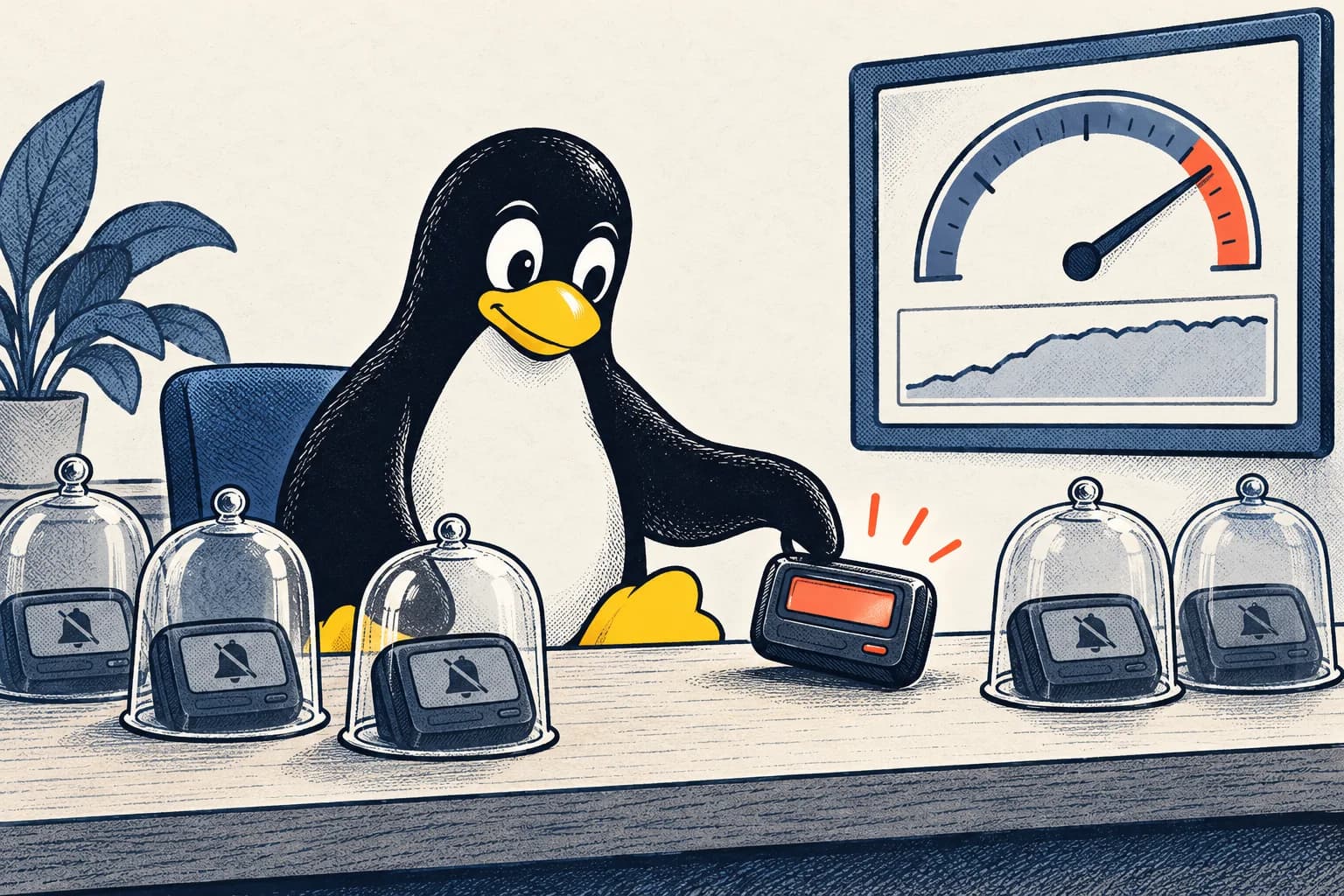
A problem needs an immediate notification when delay would harm customers and the person notified can do something useful about it right now. An alert is a notification about a condition that needs attention. A page is an urgent alert asking someone to respond now, possibly outside normal working hours. A ticket, in this context, is a recorded work item that can be handled later; it is different from the tickets TicketDesk sells.
Use an urgent page when delay would cause harm and the responder has a useful action to take. A gradual trend may suit a work item instead. Some diagnostic events can simply stay in logs without sending a notification at all.
A computer working harder during a sale may be expected while bookings still succeed. A confirmation queue about to miss its promised delivery time is more concerning. Choose the alert based on customer impact, or on a tested warning that impact is approaching.
How do you calculate burn rate?
You calculate burn rate by dividing the observed failure fraction by the failure fraction the SLO allows. Suppose TicketDesk aims for 99.9% successful valid booking requests. A request is an attempt asking the software to perform the booking. The allowed failure fraction is 0.1%, or 0.001.
During a recent period, 1,440 out of 100,000 valid requests fail:
Observed bad fraction = 1,440 / 100,000 = 0.0144
Burn rate = 0.0144 / 0.001 = 14.4×
The actual failure percentage is 1.44%. Dividing it by the allowed 0.1% gives 14.4. That multiplier does not mean 14.4% of customers failed; it means failures are arriving 14.4 times faster than the budget allows.
For a 30-day objective, the full period contains 720 hours. If requests arrive at a steady rate, one hour of failures at this burn rate uses about 2% of the full budget:
Budget share used = 14.4 × 1 / 720 = 0.02, or 2%
A busy sale hour can contain far more than its usual share of requests. For the exact amount consumed in a request-based budget, compare actual bad requests with the full window's allowance. Keep that steady-traffic assumption attached to the shortcut whenever you use it.
Why look at both a long and a short window?
Looking at both a long and a short window lets an alert confirm that harm is both significant and still happening. A window is the period of measurements included in a calculation. Looking back an hour can show sustained harm, but it still includes old failures after recovery. Looking back five minutes better describes recent behaviour, but it can react to a short spike.
Using the error-budget calculation, an example fast-burn rule for a 30-day SLO requires both the one-hour and five-minute burn rates to exceed 14.4. The longer window establishes accumulated impact; the shorter one checks that the failures are recent.
Evaluate a rule against the service's needs before adopting it. Slower failures may need another condition. Duplicate bookings or other correctness problems may need urgent detection outside the availability objective, which only measures whether the service can be used successfully.
Replay recorded traffic through proposed rules to check when they would notify someone and when they would clear. It is far cheaper to find a noisy rule in a replay than at three in the morning.
What if only a few people use the service?
With very few requests, a single failure can swing the percentage dramatically, so treat the rate with caution. One failure in ten requests is a 10% failure rate. With so few attempts, one more result can noticeably change the percentage.
A longer window or an accompanying request count can help you interpret the rate. Synthetic checks are automated practice attempts that exercise part of the service. They can help detect trouble when real customer traffic is low.
Keep those practice results separate from real customers. A check that opens the home page does not establish that payment works. Mixing successful checks into the customer count could hide failed bookings.
Also check whether measurements have stopped arriving. Zero recorded errors is not evidence of health if the recording system itself has failed.
What information should an alert include?
An alert should tell the responder what is affected, what was measured, over which period, for which customers, and where to look next. State the affected task, the measured condition, the time period, and the relevant group of customers. Identify who should respond. Provide the dashboard and a runbook, meaning written instructions for investigating and recovering from known problems. The on-call lesson explains what a responder needs before taking on that responsibility.
Describe observations without naming a cause too early. “Confirmation delay rose after the release” records timing. It does not yet prove that the release caused the delay.
Several notifications about the same dependency failure should lead to one coordinated response. Repeated pages can interrupt the very people trying to fix it. Test delivery to the intended responder, and review noisy rules with the people receiving them.
Exercise: bookings succeed, confirmations fall behind
TicketDesk accepts bookings, but its waiting confirmation work is growing. At the current completion rate, it will miss the delivery deadline in 20 minutes. Would you wait until the checkout burn-rate alert fires?
Explain your reasoning using the customer's expectation. Confirmation is part of receiving a ticket. A reliable warning about that delay can justify action before checkout failures rise.
State what the estimate assumes and what the responder could do. Compare this with a slow capacity trend that has no near-term deadline at risk. The urgency of the notification should match how urgently someone needs to act.
Quick answers
What is a good burn rate to alert on?
It depends on the window and the SLO. The example rule in this lesson pages for a 30-day SLO when both a one-hour and a five-minute window exceed a burn rate of 14.4. Test any rule against recorded traffic before trusting it.
What is the difference between a page and a ticket?
A page is an urgent alert that asks someone to respond immediately, possibly out of hours. A ticket is a recorded work item for a problem that can safely wait until normal working time.
Why do SLO alerts use multiple windows?
A long window shows that enough budget has burned to matter, and a short window shows that the failures are still happening. Requiring both reduces alerts that fire on a brief spike or keep firing after recovery.