SRE incident management is the coordination of people responding to a serious service problem. It establishes who leads, who makes technical changes, and who keeps others informed, so that the response keeps moving while the cause is still being investigated. Without that structure, several capable engineers can work hard and still get in each other's way.
Imagine TicketDesk customers paying but not receiving tickets. Several people may need to work together: one investigates confirmations, another stops a new software version, and someone explains the impact to customer support. Their actions need to fit together, and someone needs to make sure they do.
This lesson builds on the troubleshooting lesson. You do not need to have led an incident before to follow it; we use the same fictional booking failure throughout.
- 01Lead the response
- 02Coordinate repairs
- 03Keep people informed
What is an incident, and when do you declare one?
An incident is a service problem that requires a coordinated response, and you declare one when the impact or the effort needed is too large for one person to handle alone. It may involve widespread failures, a growing delay, or a risk to important records. The team can begin coordinating before it knows the exact cause; in fact, that is usually the case.
Agree on the criteria ahead of time, so nobody has to debate them under pressure. For our fictional booking service, sustained checkout failures or a threat to confirmed reservations could qualify. Consider both the consequences for customers and the amount of help required.
Severity is a label describing how serious the impact is. It helps people prioritise, and it can change as evidence arrives, so do not treat the first label as final. Establish the known impact and begin reducing harm while the uncertain details are still being investigated.
One trap to avoid: a reachable website that duplicates bookings can be a serious incident even if most pages still load. Availability, meaning whether the service can be used at all, is only part of the customer's experience.
Who does what during the response?
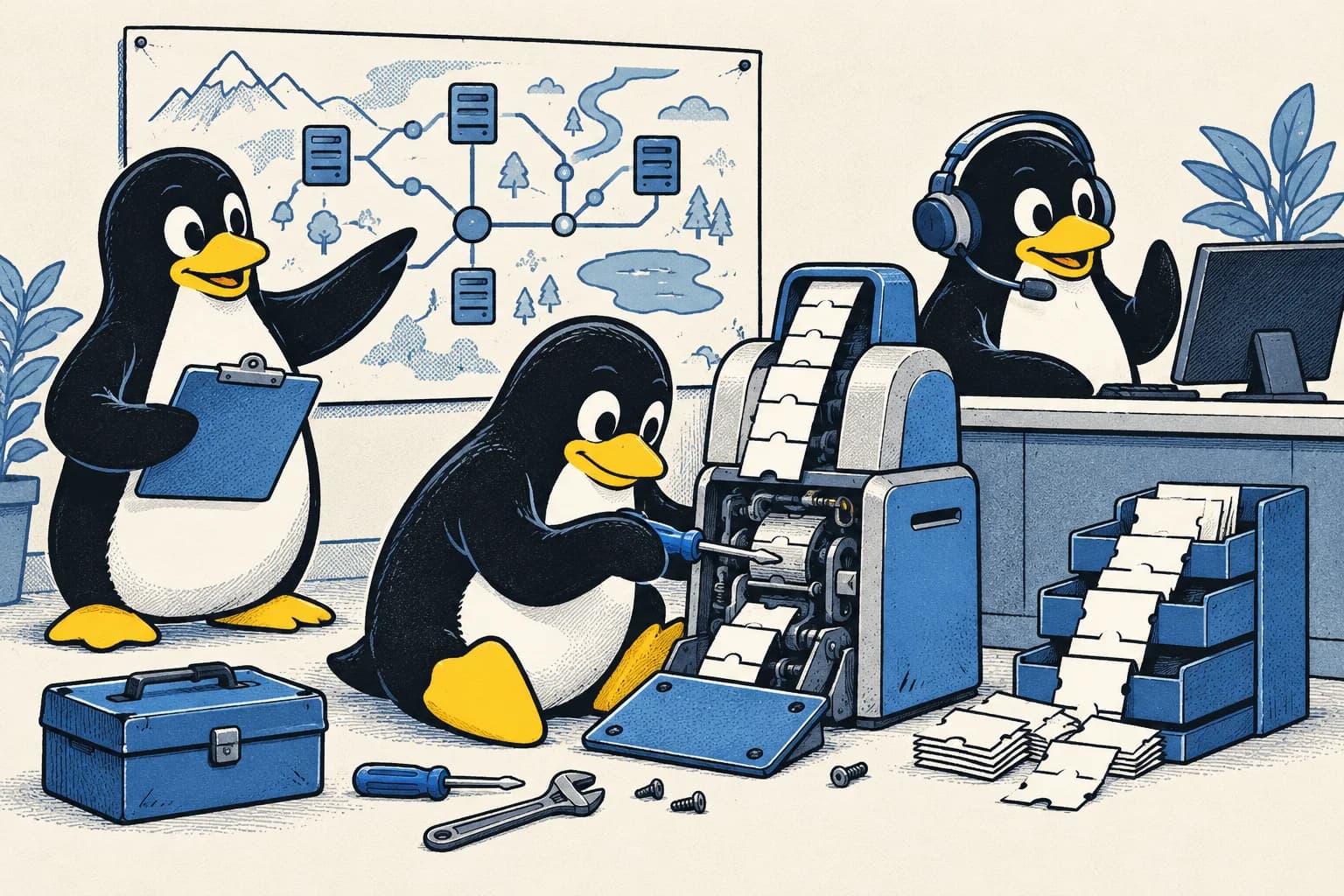
During an incident, an incident commander coordinates the response, an operations lead coordinates technical actions, and a communications lead keeps people informed. The commander sets priorities, assigns responsibilities, brings in help, and manages handoffs. The communications lead updates those who need to know, such as support teams or customers.
Someone should also maintain the timeline and shared notes. A small incident may combine roles in one or two people, provided everyone understands who is doing each job.
The commander does not need to be the strongest programmer in the room. A confirmation specialist can investigate while the commander makes sure the remaining work has owners. That arrangement gives the specialist uninterrupted time to focus, which is often the most valuable thing a commander can provide.
Different investigations can run in parallel. Changes that interact, however, need agreement first: moving traffic to a group of computers while someone else restarts them could make the problem worse. Record significant actions and check what happened afterwards.
What does a TicketDesk response look like?
A TicketDesk response moves from acknowledging the alert, to declaring an incident and assigning roles, to mitigation, to verified recovery, with regular updates along the way. This invented timeline continues the confirmation problem from the troubleshooting lesson. A rollout is the gradual introduction of a new software version: the release group receives it first, while other customers use the unchanged version.
- At 10:04, the on-call engineer acknowledges the urgent alert and confirms failures in the release group.
- At 10:07, the team declares an incident, names a commander, and opens shared notes.
- At 10:09, operations stops rollout expansion. The confirmation owner checks how long pending work has been waiting.
- At 10:12, communications reports failed bookings, the paused release, and uncertainty about delayed confirmations. The next update is promised at 10:22.
- At 10:16, disabling the changed behaviour reduces new errors. The team continues checking waiting confirmations and booking correctness.
- At 10:22, the update reports fewer new failures while delayed confirmations are still being recovered.
- At 10:35, the affected bookings and confirmations meet the recovery checks through the observation period. The commander records recovery and assigns follow-up work.
Notice that the 10:16 improvement does not mean all affected customers have their tickets. Giving delayed confirmations their own owner keeps that work visible after new errors fall, when it would otherwise be easy to forget.
What belongs in shared incident notes?
Shared incident notes should let a person joining halfway through understand the current situation in a minute or two. Keep the customer impact, start time, response roles, active mitigation, recent actions, open questions, and the next update time easy to find. A mitigation is an action that reduces immediate harm while the cause is still being investigated.
Maintain a timeline with links to evidence. Timestamps let you compare a change with its later results, and they let the team reconstruct the sequence in the postmortem without relying on memory.
Separate observation from conclusion. “Errors fell after the new behaviour was disabled” records what happened. Proving that the behaviour was the only cause requires more evidence, and the notes should not quietly turn one into the other.
Use controlled locations for sensitive records. The shared response channel needs enough information to coordinate, but passwords and private customer details should never be copied into it.
How do you write a useful update?
A useful incident update explains what is affected, what the team is doing, what remains uncertain, and when the next update will arrive. For example:
Some booking attempts are failing. We have paused the rollout and are checking delayed confirmations. Customers may receive confirmation late. We have not yet established whether existing reservations are affected. Our next update is at 10:22.
This describes the known booking failures without claiming that all existing reservations are safe. It also avoids guessing a recovery time, which is a promise you cannot yet keep.
If the investigation is still running at 10:22, provide an update then, even if the update is “no change yet.” People should not have to guess whether work is continuing. In an interview, explain how accurate updates let support teams respond to customers while the technical investigation carries on.
Exercise: hand over a long-running incident
The commander's shift ends while confirmations are still catching up. Write a short handoff for the incoming lead.
Name the new commander and get their acknowledgment. Explain the current customer impact, the active mitigation, the outstanding risks, and who owns the next checks. Include the next update time.
Then explain the reasoning behind those details. Responsibility has transferred only when the next person understands and accepts it. Changing a name in the notes cannot establish that by itself. A clear handoff keeps the response coordinated even when the people involved change, which in a long incident they always will.
Quick answers
What is the role of an incident commander?
The incident commander coordinates the response: they set priorities, assign responsibilities, bring in help, and manage handoffs. They do not need to be the strongest technical person, because their job is to keep the whole response organised rather than to fix the problem themselves.
How often should you send incident updates?
Send an update at the time you promised in the previous one, even if nothing has changed. Each update should say what is affected, what the team is doing, what is still uncertain, and when the next update will arrive.
What is the difference between an incident and an outage?
An outage means the service is unavailable. An incident is any service problem that needs a coordinated response, which includes outages but also problems such as duplicated bookings on a site that is still reachable.